Why it matters
Never miss a raid again
This is not just a Discord bot. It is a 24/7 stream-powered monitoring system that gives your tribe faster awareness, better reaction time, and stronger defense while you're away.
Ark Notification Bot monitors your active Twitch stream and sends real-time Discord alerts for raid activity, tribe log updates, and join notifications.
▶ Watch how it works in real-time
Built to turn your Twitch stream into a real-time monitoring system for your ARK tribe.
Get Discord alerts when enemy activity hits your tribe log, including structure destruction and supported soaker kills.
Pro monitoring adds join notifications so you know when players enter the server, even if you are away.
Keep a Discord dashboard updated with stream status, monitoring state, recent events, and last attack timing.
This is not just a Discord bot. It is a 24/7 stream-powered monitoring system that gives your tribe faster awareness, better reaction time, and stronger defense while you're away.
Review these before starting your trial or purchasing a plan.
Start with a free 3-day Pro trial, then choose the plan that fits your tribe.
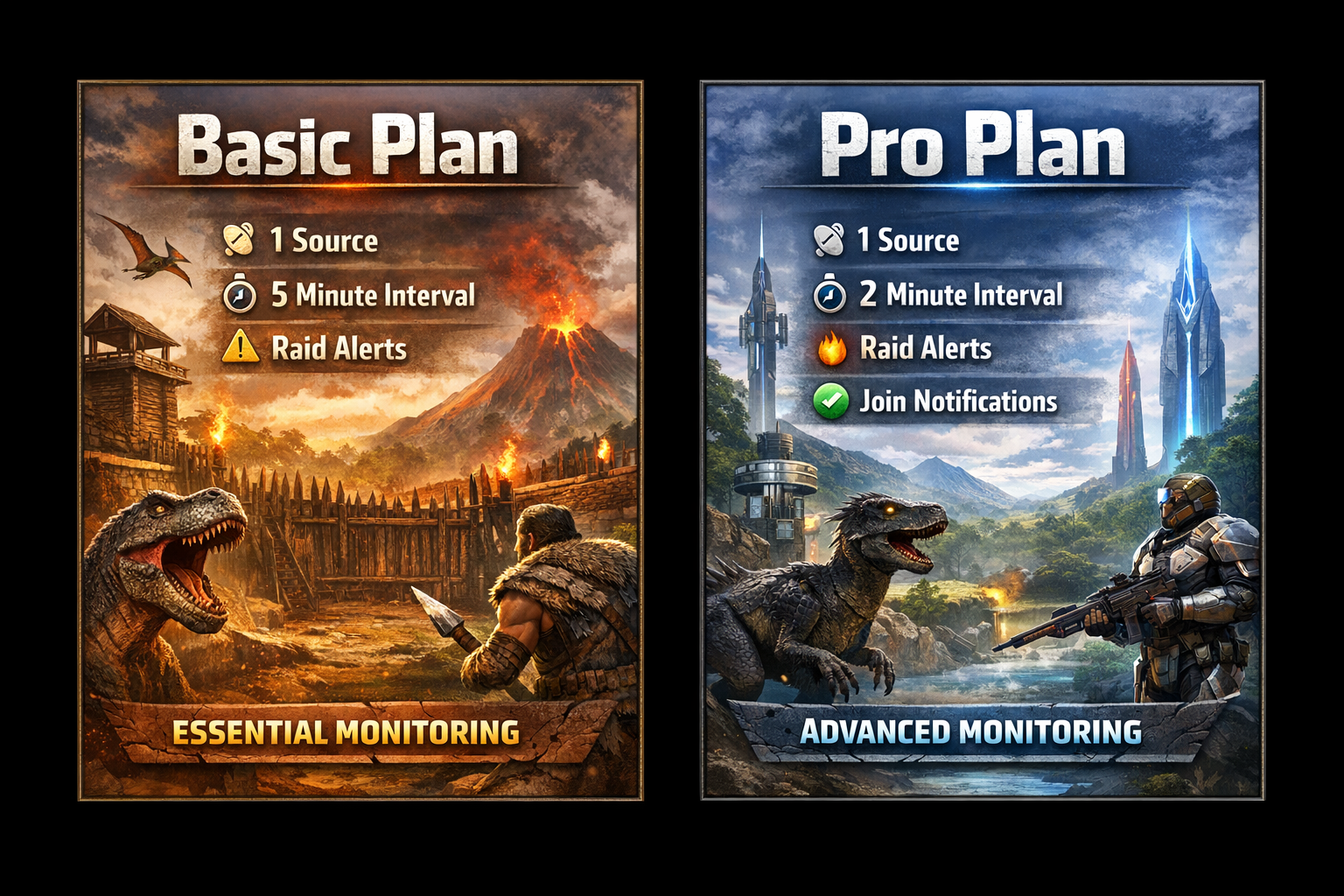
Best for casual tribes.
Best for active / competitive tribes.
Verify your stream setup, test real-time alerts, and make sure everything works before purchasing.
Simple, but order matters. Follow these steps to get monitoring live quickly.
Install the bot in your server, then start a 3-day Pro trial or purchase a plan.
Log into the server you want to monitor, open the Tribe Log, and start your Twitch stream.
Add your Twitch stream to the bot, then set your dashboard, alert, and join channels.
Everything you need to manage setup, plans, channels, and monitoring.
Full overview of your bot setup, plan, configured sources, and monitoring status.
Check your current plan, active trial, and time remaining.
Add a Twitch stream for monitoring with a server ID and optional BattleMetrics server ID.
Update the Twitch URL or BattleMetrics server ID for an existing source.
Remove an existing source and its historical tracking.
Restart monitoring for a source after a disconnect or stream interruption.
Route dashboard, raid, and join alert types to the correct Discord channels.
Restrict bot commands to a chosen admin role in your server.
Activate your free 3-day Pro trial and unlock full Pro features.
Quick answers to the most common setup and monitoring questions.
No. Ark Notification Bot works without mods.
Yes. It is designed to work with official servers.
Monitoring can still work, but accuracy may decrease and some alerts may be missed.
Yes. During high traffic or floods, some join notifications may be missed.
Auto-decay, sleeping bag, C4 charge, thatch, and standing torches do not trigger alerts.
Separate alerts currently trigger for Stegosaurus and Carbonemys.
Install the bot, verify your stream setup, and test real-time monitoring before purchasing.